User manual
Step-by-step guides to every area of the Sayvara app, from surveys and channels to journeys, insights and phone interviews.
This manual shows you how to use each area of the Sayvara app at app.sayvara.ai. Every page starts with the task, then walks you through it one step at a time. Button and field names appear in bold, exactly as the app shows them.
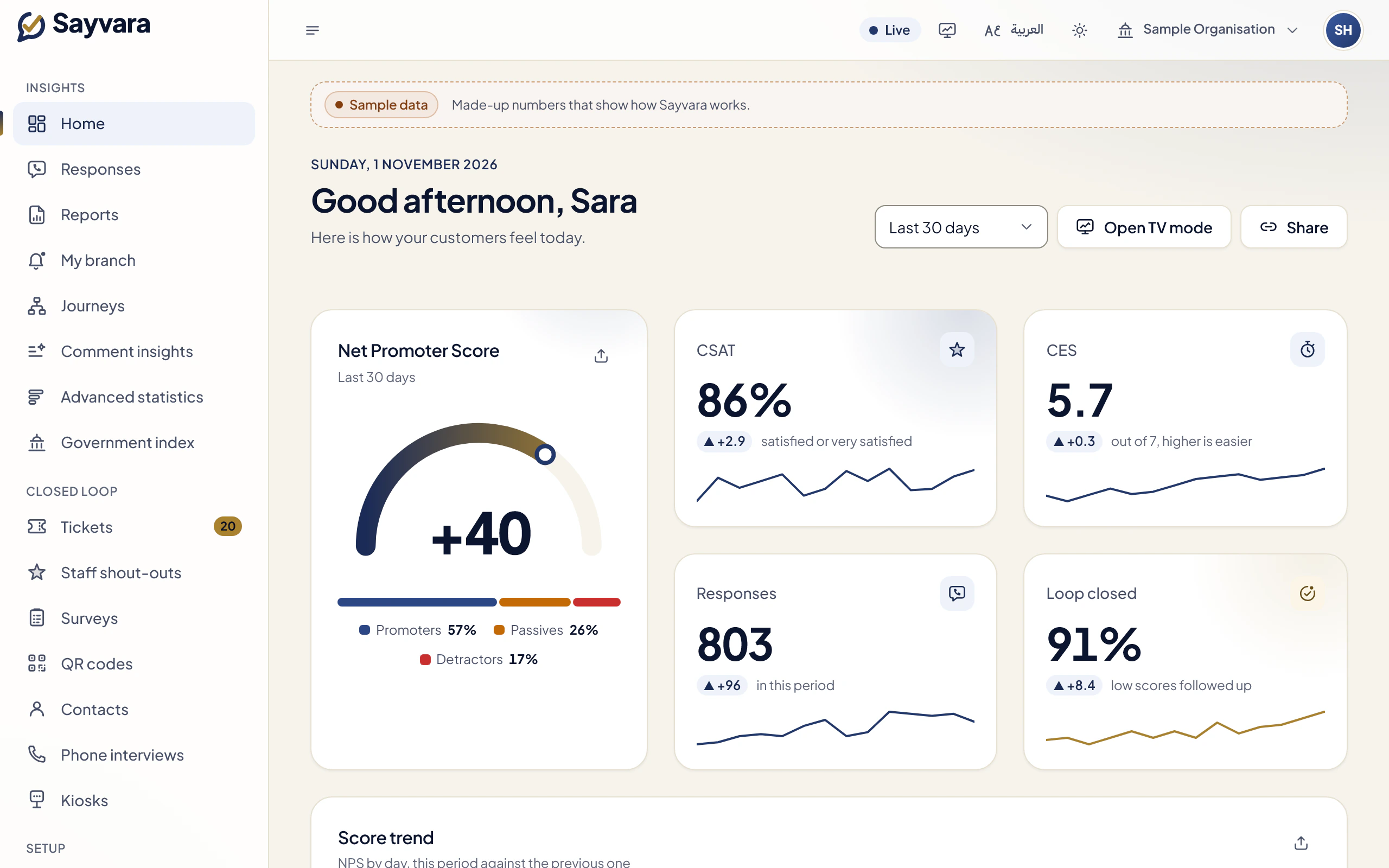
Everyday areas
- Account: sign in, your profile, and the people in your organisation.
- Surveys: build, translate and publish surveys.
- Channels: send surveys on WhatsApp, SMS, email, QR codes and more.
- Inbox: tickets, survey comments, reviews, and Instagram and Messenger direct messages in one list.
- Closed loop: follow up on unhappy customers with tickets until each case is closed.
- Dashboards: see scores, responses and reports for your organisation.
- Settings: set up your organisation, branches, roles and integrations.
- Billing: your plan, invoices and payments.
- Privacy: consent, data requests and how customer data is protected.
Analysis and specialist areas
- Insights and statistics: what customers write about, how they feel, and which differences in your scores are real.
- Journeys: draw the steps your customers go through and link each step to its surveys and channels.
- Staff pulse: short, anonymous workplace surveys for your employees.
- Government index: a transaction-weighted beneficiary satisfaction index and its quarterly report.
- Phone interviews: run surveys by phone, with a caller desk, call results and a campaign report.
Need more help?
Write to support@sayvara.com. Tell us what you were trying to do and what you saw on the screen.
Was this page helpful?
Thanks. Need more help? Email support@sayvara.com