Privacy and data
How Sayvara helps you respect your customers' privacy - consent, opt-out, data export, deletion, incidents and the legal documents.
Your customers trust you with their opinions and their contact details. Sayvara is built to help you keep that trust and meet the Saudi Personal Data Protection Law (PDPL).
You are the controller of your customers' data. Sayvara, a product of Five Rivers, processes it for you under the Data processing agreement. You find it in Settings > Legal.
In this section
| Page | What it covers |
|---|---|
| Trust and data protection | The controls that protect your customers' data, how comments are analysed, and where data is hosted |
| Consent and opt-out | Consent of contacts, imports, STOP words, the consent question, how often people are asked |
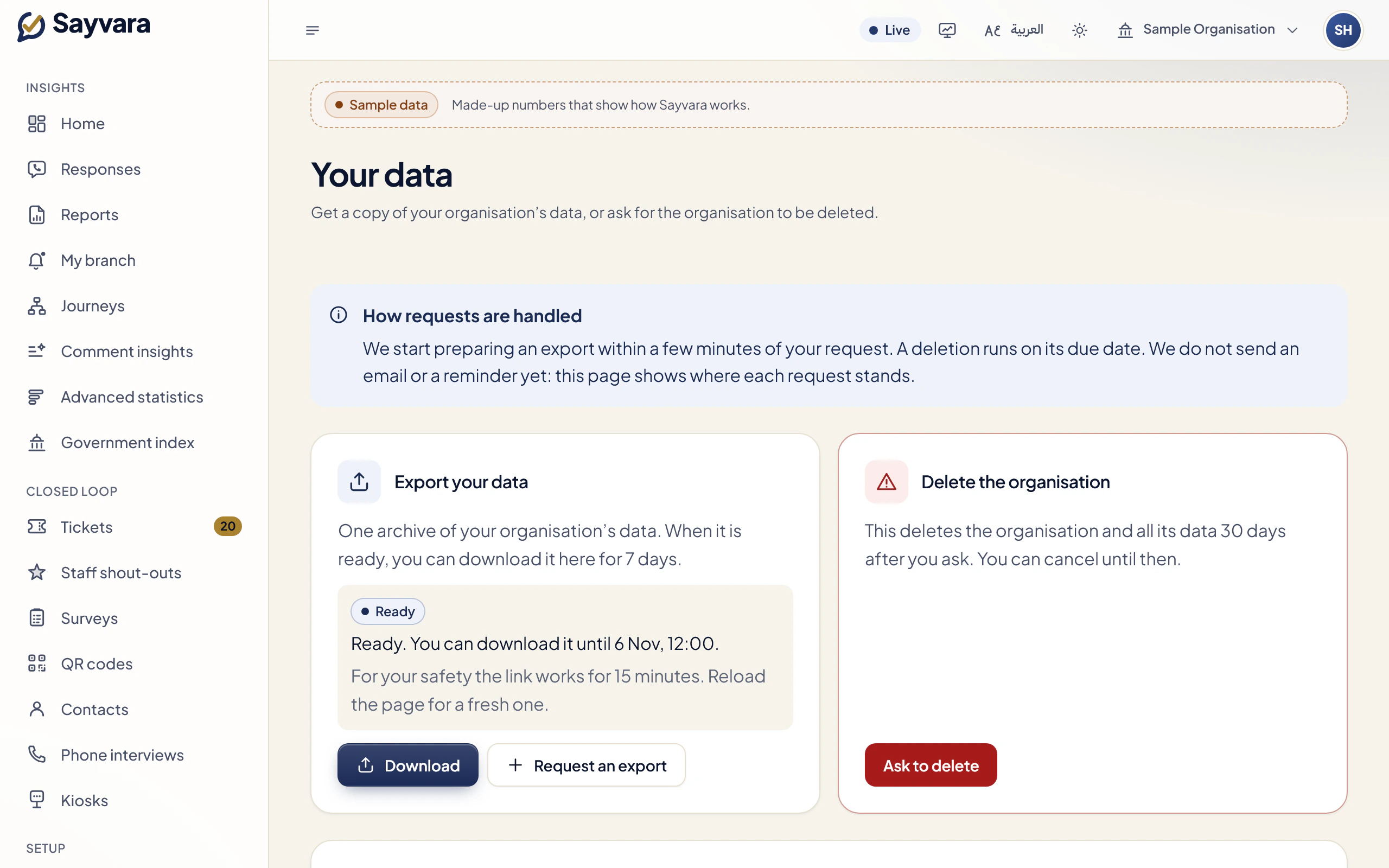
| Data export and deletion | Get a copy of all your data, or delete your organisation |
| Privacy centre and legal | Security incidents that concern you, the privacy notice, terms and data processing agreement |
Privacy built in
Sayvara protects personal data in many places. Some examples from this manual:
- Customers can stop messages at any time by replying STOP or «إيقاف». See Consent and opt-out.
- Importing contacts never marks anyone as opted in.
- Wall screens in TV mode never show a customer's full name or phone number. See TV mode.
- Shared dashboard links and embedded dashboards show totals only, never names, numbers or comments. See Shared dashboard links.
- For some roles, phone numbers in CSV exports are partly hidden. See Responses and exports.
- People see only the branches in their scope. See Organisation and units.
- The audit log records who did what, with tamper evidence. See Audit log.
- Contact frequency rules stop you asking the same customer too often. See Contact frequency.
Who can do what
| Task | Who |
|---|---|
| Request a data export | Owners and admins |
| Ask to delete the organisation | The owner only |
| See security incidents | Owners and admins |
| Read the legal documents | Everyone |
Requests from your customers
When a customer asks you to see, correct or delete their data, you handle the request as the controller. If you need our help with a request, write to support@sayvara.com.
Your duties in short
- Tell customers in your privacy notice that you ask for feedback and why.
- Survey only people you may contact, and respect every opt-out.
- Give each person the least access they need, with the right role and scope.
- Act quickly if Five Rivers tells you about an incident.
Related pages
Was this page helpful?
Thanks. Need more help? Email support@sayvara.com