Reset your password
Forgot your Sayvara password? Ask for a reset link by email and choose a new password of at least 12 characters.
If you forget your password, you can choose a new one yourself. You need access to your work email.
Ask for a reset link
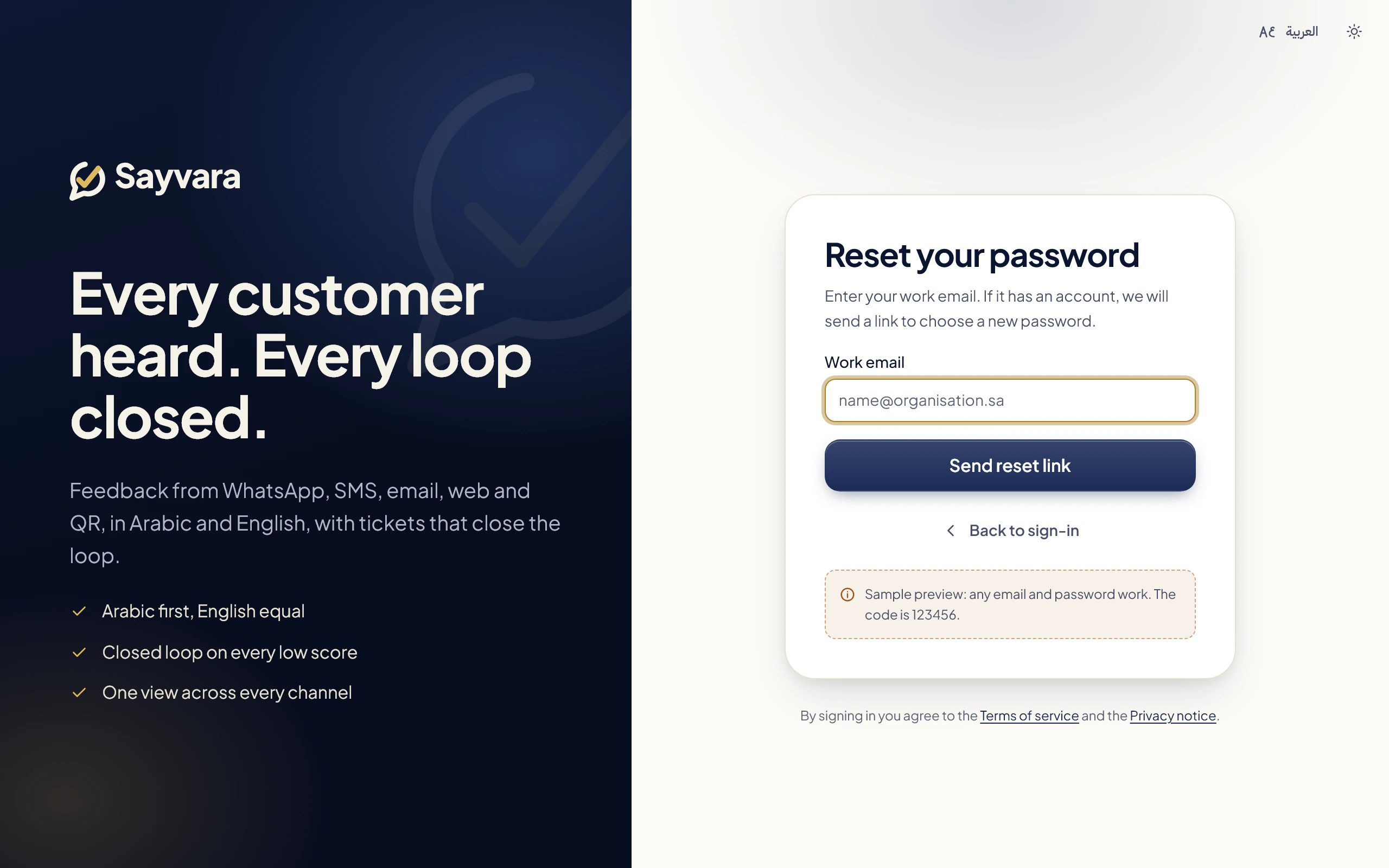
- On the sign-in page, select Forgot password?
- The page Reset your password opens. Type your Work email.
- Select Send reset link.
- The page shows Check your inbox.
If the address has a Sayvara account, a reset link is on its way. For your safety, the page shows the same message whether or not the address has an account.
The link works once and expires in 30 minutes.
Choose a new password
- Open the email from Sayvara and select the link.
- The page Choose a new password opens.
- Type the new password in New password.
- Type it again in Repeat the new password.
- Select Save the new password.
The page shows Password changed. Sign in again with your new password.
Rules for a good password
- Use at least 12 characters.
- A short sentence is easy to remember and hard to guess, for example four unrelated words.
- Do not reuse a password from another website.
What happens to your other sessions
When you change your password, every open session is signed out: your other browsers, your phone, and any sign-in links that were still open. This protects you if someone else knew the old password.
Messages you may see
| Message | What to do |
|---|---|
| Use at least 12 characters. | Make the password longer. |
| The two passwords are not the same. | Type the same password in both fields. |
| This link is invalid, was already used or has expired. Ask for a new one. | Start again from Forgot password? |
No email arrives
- Wait a few minutes and check your spam or junk folder.
- Check that you typed the address your organisation invited.
- Ask an owner or admin of your organisation to check that you are a member in Settings > Users and roles.
- If it still does not arrive, write to support@sayvara.com.
Related pages
Was this page helpful?
Thanks. Need more help? Email support@sayvara.com