Send Sayvara surveys on WhatsApp from the Sayvara number with your business name, or connect your own WhatsApp Business number.
WhatsApp is the main channel in Sayvara. Customers answer one question at a time, with reply buttons and lists, in a chat they already use every day.
Open the WhatsApp page
- Go to Channels.
- On the WhatsApp card, select Connect or Manage.
The page WhatsApp starts with Your WhatsApp messages go out from and tells you which number sends your surveys:
| It says | Meaning |
|---|---|
| the Sayvara number | Surveys go from Sayvara's WhatsApp number, with your business name in every message |
| your own number | Surveys go from your own WhatsApp Business number |
| your own number, for the messages Meta has approved on it | Some messages still wait for Meta's approval |
| no WhatsApp number right now (SMS or email is used instead) | WhatsApp is not available when the message is sent |
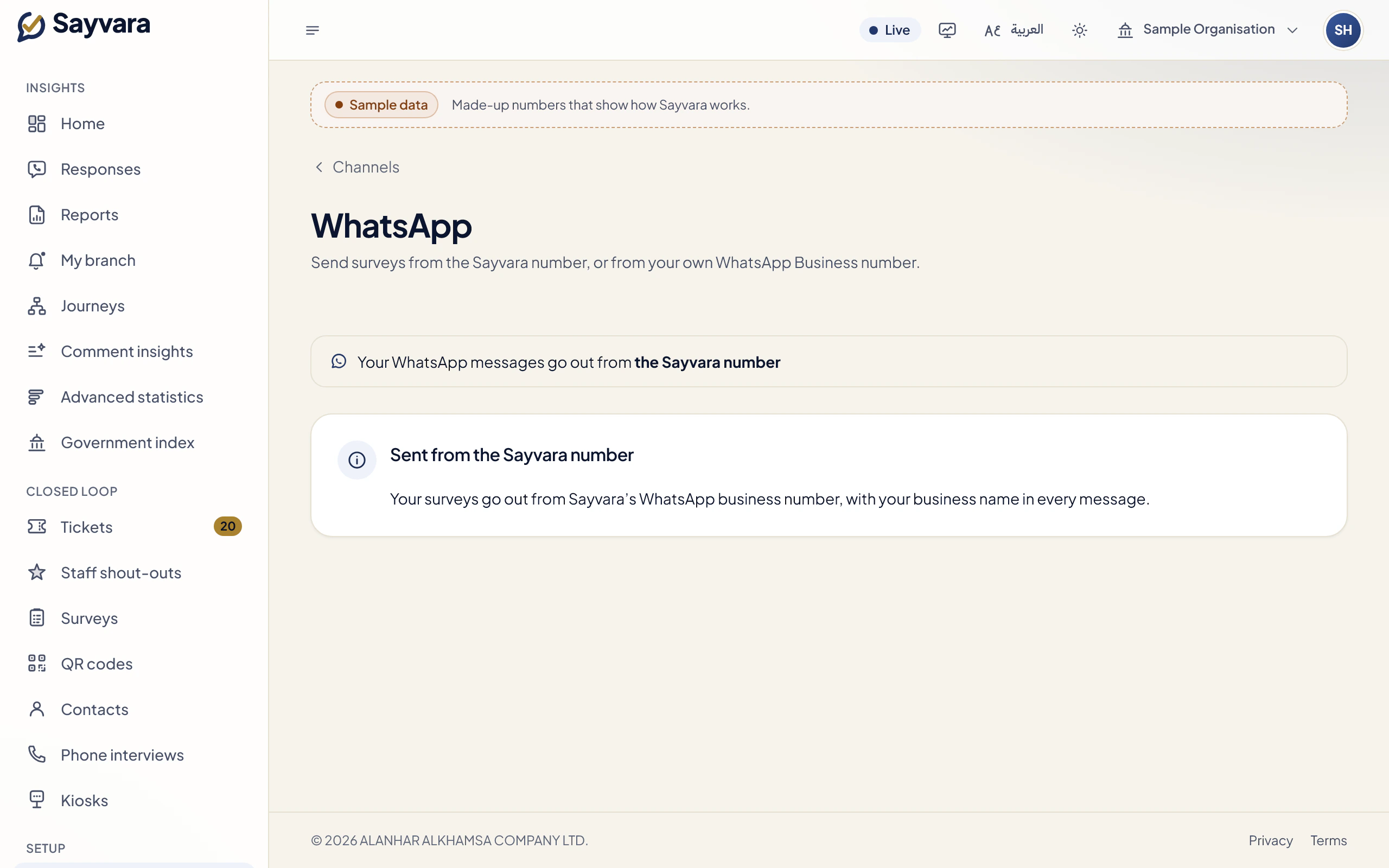
Using the Sayvara number
You do not need to set anything up. Your surveys go out from the Sayvara number, and your business name is in every message, so customers know who is asking.
What customers see
- A short invitation in their language, with your business name.
- One question per message. Scores and short choice lists use reply buttons or a list.
- Long questions open the survey web page instead. The survey builder shows this in How it shows in chat.
Customers can reply STOP (or «إيقاف») at any time to stop messages. See Consent and opt-out.
Related pages
Was this page helpful?
Thanks. Need more help? Email support@sayvara.com