Contact frequency
Limit how often one person is asked for feedback across every channel and survey, and hold back survey types after others.
Too many surveys annoy customers and lower your response rate. Contact frequency limits how often one person may be asked for feedback, across every channel and every survey.
Only owners and admins who see the whole organisation can change these limits. Everyone else can read them.
Open the page
- Go to Surveys.
- Select Contact frequency at the top of the page.
The page has two cards: One survey per person and Rules between survey types.
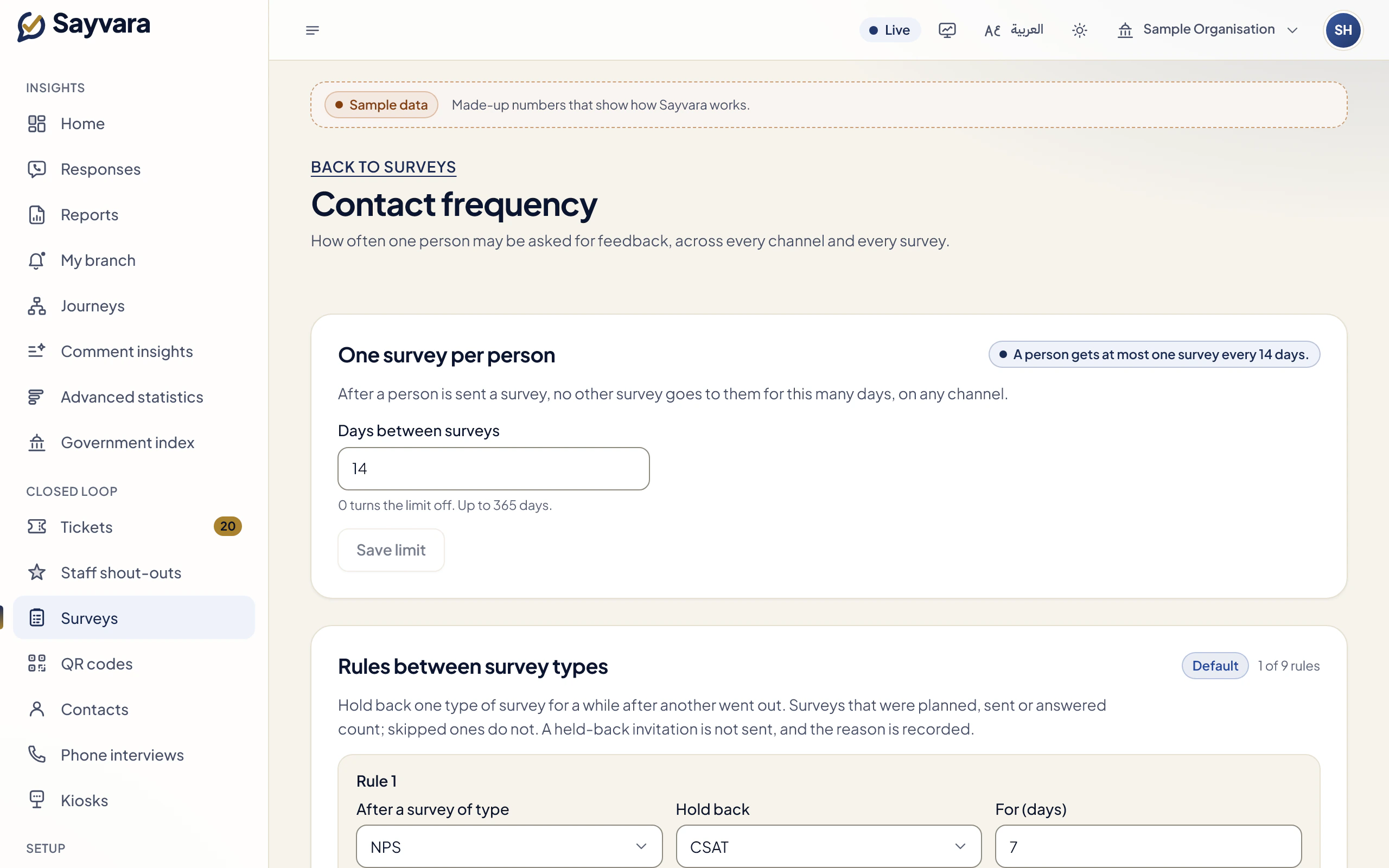
One survey per person
After a person is sent a survey, no other survey goes to them for this many days, on any channel.
- In Days between surveys, type a number from 0 to 365.
- Select Save limit.
The card then says, for example, A person gets at most one survey every 30 days. Type 0 to turn the limit off.
Rules between survey types
Sometimes you want a finer rule. For example: after a customer gets an "after a ticket" survey, do not send an NPS survey for 14 days.
- Select Add rule.
- In After a survey of type, choose the first type.
- In Hold back, choose the type to hold back.
- In For (days), type 1 to 90.
- Select Save rules.
Each rule shows a summary such as "No NPS survey for 14 days after any After a ticket survey." Rules marked Default come with Sayvara. Use Remove rule to delete one, and Undo changes to go back to the saved rules.
How rules count
- Surveys that were scheduled, sent or answered count. Skipped ones do not.
- A held-back invitation is not sent, and the reason is recorded.
- If the limit in One survey per person is longer than a rule, the rule only matters if you shorten the limit.
- Two rules cannot hold back the same pair of types.
Where you see the effect
When an invitation is not sent because of these limits, the reason shows as Surveyed recently or Another survey went out recently.
Tips
- Start with 30 days between surveys for most businesses. Shorten it for frequent, short visits.
- Use rules between types to protect your relationship surveys (NPS) from being crowded out by transaction surveys.
Related pages
Was this page helpful?
Thanks. Need more help? Email support@sayvara.com